Water Sort Solver

Water Sort Solver

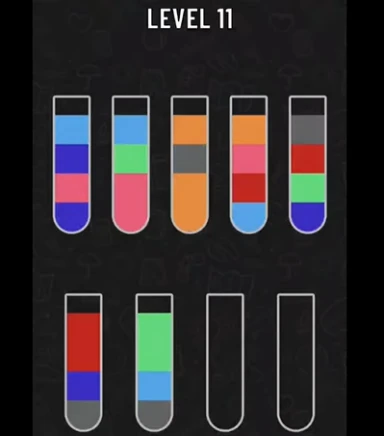
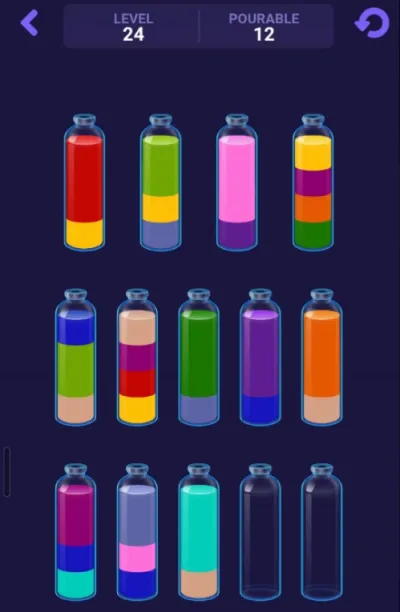
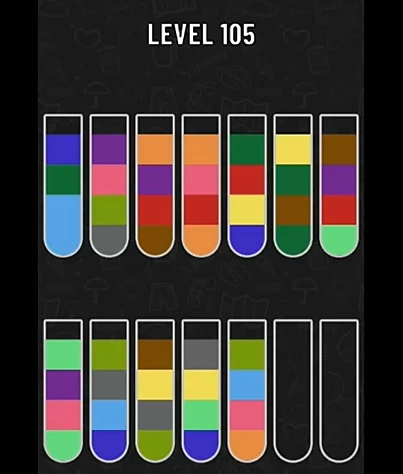
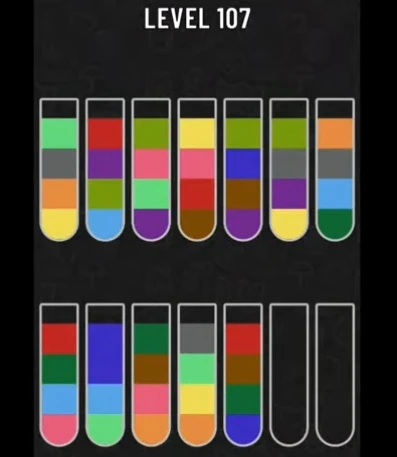
Paste Water Sort puzzle JSON, preview the bottle layout, adjust colors, solve the puzzle, replay every move step by step, and share a visual solution link.

JSON

Level JSON

Paste bottle arrays from bottom to top. Use [] for empty bottles. Each color should usually appear four times.

Preview

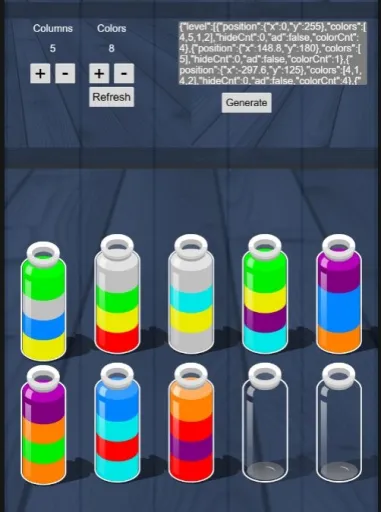
Initial Bottle Layout Preview

Adjust the preview colors to match your screenshot before solving. Click any liquid layer to change its display color without changing the JSON.

Tip: color edits only change the visual preview, not the bottle JSON.

Color IDs
Color Count Check

Moves

Water Sort Solver Steps

Load valid level JSON to preview the puzzle.

FAQ

Water Sort Solver FAQ

What does this Water Sort Solver do?

It loads a Water Sort puzzle from JSON, shows a bottle preview, solves the layout, and lets you replay every move step by step.

Can I change the bottle colors after loading JSON?

Yes. Click any liquid layer in the preview to adjust its display color. This only changes the visual palette, not the color IDs in your JSON.

How does the step-by-step replay help?

The replay shows the bottle state after each pour, so you can follow the solution visually instead of reading only a move list or pausing a video.

What does Share Solution do?

Share Solution creates a visual replay link after the puzzle is solved. Other players can open the link and follow the same solution step by step.

What JSON format should I paste?

Use an array of bottles written from bottom to top. Empty bottles should be written as []. For most Water Sort puzzles, each color should appear four times.

Why did the solver fail?

The layout may have the wrong color counts, missing empty bottles, reversed bottle order, or a puzzle state that is too complex for the current solver limit.